

As a supplier of All In One PCs, I often get asked the question: "Can I install additional software on an All In One PC?" The answer is a resounding yes! In this blog post, I'll delve into the details of software installation on All In One PCs, the types of software you can install, and some considerations to keep in mind.
Compatibility and System Requirements
Before you start installing any software on your All In One PC, it's crucial to check the compatibility and system requirements. All In One PCs come with different hardware configurations, including processors, memory, and storage. Software developers usually specify the minimum system requirements for their applications to run smoothly. For instance, a high - end video editing software may require a powerful processor, a significant amount of RAM, and a dedicated graphics card.
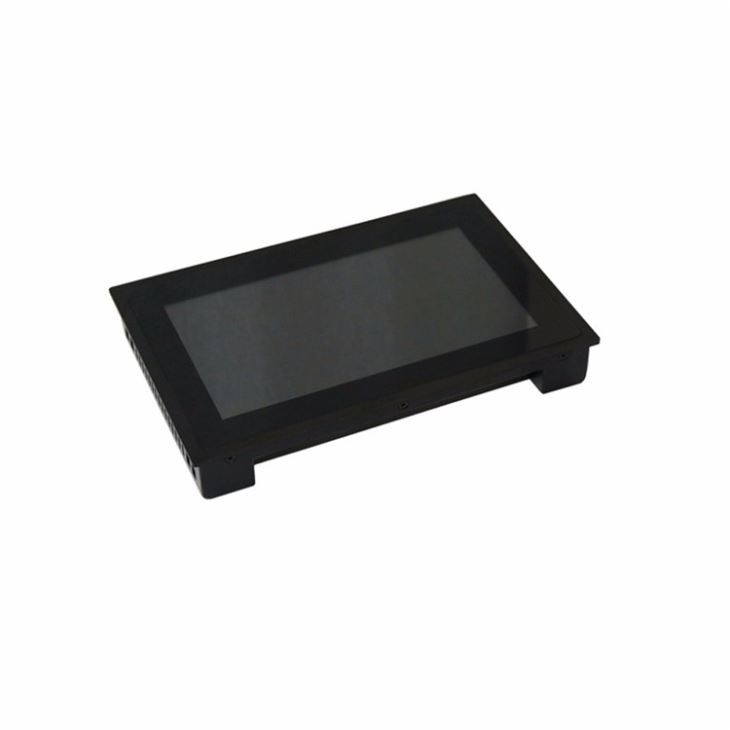
Our All In One PCs are designed with versatility in mind. We offer a range of models, from entry - level machines suitable for basic office work to high - performance ones capable of handling demanding tasks like gaming and professional content creation. For example, our 23.8 Inch Touch Screen Embedded PC comes with a decent amount of processing power and memory, making it suitable for a wide variety of software applications.
Types of Software You Can Install
Productivity Software
Productivity software is a must - have for most users. Applications like Microsoft Office (Word, Excel, PowerPoint), Google Workspace (Docs, Sheets, Slides), and WPS Office can significantly enhance your work efficiency. These software suites allow you to create, edit, and share documents, spreadsheets, and presentations. You can easily install these applications on your All In One PC, whether you're using it for personal or professional purposes.
Multimedia Software
If you're into multimedia, there are plenty of software options available. Media players like VLC can play almost any video and audio format. For photo editing, Adobe Photoshop is the industry standard, although there are also free alternatives like GIMP. Video editing software such as Adobe Premiere Pro or DaVinci Resolve can turn your All In One PC into a powerful media production studio. Our 42 inch Smart Coffee Table Touch Screen is an excellent choice for multimedia enthusiasts, with its large touch - screen display and high - quality audio output.
Gaming Software
Gaming on an All In One PC has become increasingly popular. You can install a wide range of games, from casual mobile - style games to high - end AAA titles. Platforms like Steam, Epic Games Store, and GOG.com offer a vast library of games. Our high - performance All In One PCs are equipped with powerful graphics cards and processors, ensuring smooth gameplay even for the most demanding games.
Security Software
Security should be a top priority when using any computer. Antivirus software like Norton, McAfee, or Avast can protect your All In One PC from viruses, malware, and other online threats. Firewall software can also be installed to add an extra layer of security to your network.
Installation Process
The installation process for software on an All In One PC is generally straightforward. Most software comes with an installer file, which you can download from the official website of the software developer. Once the download is complete, double - click on the installer file and follow the on - screen instructions.
Some software may require you to enter a product key during the installation process. Make sure to keep your product key safe and enter it correctly. After the installation is finished, you may need to restart your All In One PC for the changes to take effect.
Considerations When Installing Software
Storage Space
One of the main considerations when installing software is the available storage space on your All In One PC. Some software applications can take up a significant amount of disk space, especially large - scale games and professional software. Before installing new software, check how much space it requires and make sure you have enough free space on your hard drive or SSD. You can also consider upgrading your storage if you find that you're running out of space.

Licensing
Software licensing is another important aspect. Some software is free to use, while others require you to purchase a license. Make sure you understand the licensing terms before installing the software. Using unlicensed software is illegal and can expose your All In One PC to security risks.
System Performance
Installing too many software applications can affect the performance of your All In One PC. Some software may run in the background and consume system resources, slowing down your computer. It's a good idea to regularly review the software installed on your PC and uninstall any applications that you no longer use.
Conclusion
In conclusion, installing additional software on an All In One PC is not only possible but also highly beneficial. Whether you're looking to enhance your productivity, enjoy multimedia content, play games, or improve security, there are countless software options available. Our All In One PCs are designed to support a wide range of software applications, and we offer different models to meet your specific needs.
If you're interested in purchasing an All In One PC or have any questions about software installation, feel free to contact us for more information and to start a procurement discussion. We're here to help you find the perfect All In One PC solution for your requirements.
References
- Microsoft. (n.d.). Microsoft Office. Retrieved from official Microsoft website.
- Google. (n.d.). Google Workspace. Retrieved from official Google website.
- Adobe. (n.d.). Adobe Creative Suite. Retrieved from official Adobe website.
- Steam. (n.d.). Steam Games Platform. Retrieved from official Steam website.