

Can I use a 10 inch panel pc touch screen for programming?
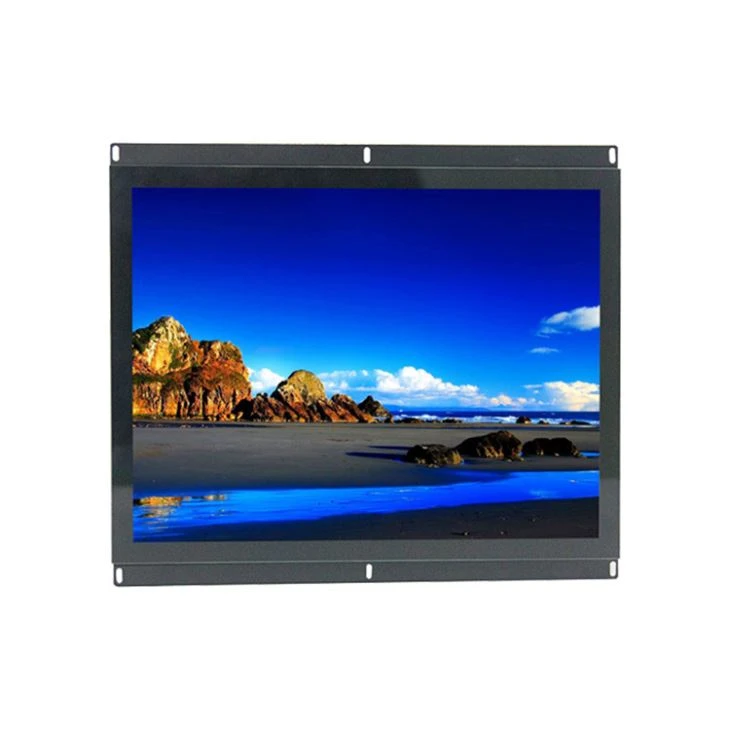
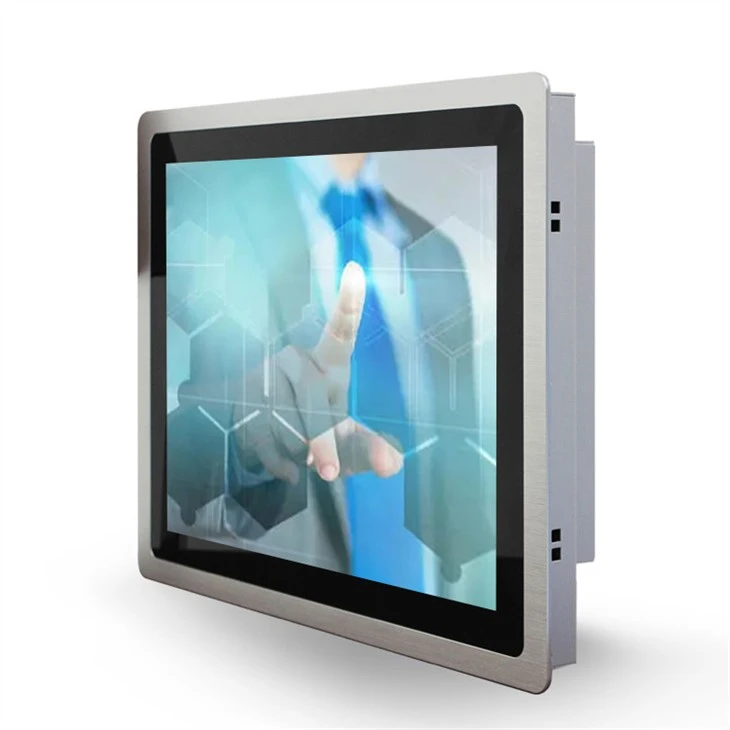
As a supplier of 10-inch panel PC touch screens, I often encounter this question from potential customers. The short answer is yes, you can use a 10-inch panel PC touch screen for programming. However, there are several factors to consider to ensure that it meets your programming needs effectively.
Advantages of Using a 10-Inch Panel PC Touch Screen for Programming
Portability
One of the most significant advantages of a 10-inch panel PC touch screen is its portability. Whether you're a student hopping between classes, a freelancer working from coffee shops, or a professional on the go, the compact size makes it easy to carry around. You can take your programming environment with you wherever you need to work, without the bulk of a larger desktop monitor or laptop.
Space-Saving
In a small workspace, a 10-inch panel PC touch screen can be a game-changer. It doesn't take up much desk space, allowing you to keep your work area organized. This is especially beneficial for those who work in shared offices or have limited room at home.
Touch Interaction
The touch screen feature provides a more intuitive way to interact with your programming environment. You can use gestures like pinching, swiping, and tapping to navigate through code, debug, and test applications. This hands-on approach can enhance your productivity and make the programming process more engaging.
Considerations for Programming on a 10-Inch Panel PC Touch Screen
Screen Real Estate
The most obvious limitation of a 10-inch screen is the limited real estate. Programming often involves working with multiple windows, code editors, and debuggers simultaneously. With a smaller screen, you may find it challenging to have all the necessary tools open and visible at once. However, this can be mitigated by using window management techniques, such as tiling windows or using virtual desktops.
Resolution
The resolution of the touch screen is crucial for programming. A higher resolution means sharper text and graphics, making it easier to read and write code. Most 10-inch panel PC touch screens come with a resolution of at least 1280x800, which is sufficient for basic programming tasks. However, if you plan to work on more complex projects or need to view detailed graphics, you may want to consider a screen with a higher resolution.
Processing Power
Programming can be resource-intensive, especially when working with large codebases or running virtual machines. Make sure the 10-inch panel PC touch screen you choose has sufficient processing power to handle your programming tasks. Look for a device with a powerful processor, adequate RAM, and a dedicated graphics card if possible.
Compatibility with Programming Tools
Operating Systems
Most 10-inch panel PC touch screens support popular operating systems like Windows, Linux, and Android. Choose an operating system that is compatible with your programming languages and tools. For example, if you're a Python developer, you can use a Linux-based system with a Python IDE installed.
Programming Languages and IDEs
Ensure that the 10-inch panel PC touch screen can run the programming languages and integrated development environments (IDEs) you use. Most modern IDEs are designed to be compatible with a wide range of screen sizes and resolutions. However, some older or specialized IDEs may not work well on a smaller screen.
Examples of Programming Scenarios on a 10-Inch Panel PC Touch Screen
Web Development
Web development involves writing code in HTML, CSS, and JavaScript. With a 10-inch panel PC touch screen, you can easily create and test web pages. You can use a browser to preview your work and make real-time changes. The touch screen allows you to interact with the web page directly, which can be helpful for debugging and testing responsiveness.
Mobile App Development
If you're interested in mobile app development, a 10-inch panel PC touch screen can be a great tool. You can use it to develop and test apps for Android or iOS devices. Many mobile app development frameworks support touch screen input, allowing you to simulate the user experience on the device.
Data Analysis
Data analysis often involves working with large datasets and running statistical models. A 10-inch panel PC touch screen can be used to analyze data using programming languages like Python or R. You can use data visualization libraries to create charts and graphs, and the touch screen can be used to interact with the visualizations.
Comparison with Other Screen Sizes
Larger Screens
Compared to larger screens, a 10-inch panel PC touch screen has less screen real estate. However, it offers greater portability and space-saving benefits. If you need to work on large projects or require a lot of screen space, a larger monitor may be more suitable. On the other hand, if you value portability and flexibility, a 10-inch screen may be the better choice.
Smaller Screens
While smaller screens like those on smartphones or tablets are even more portable, they are often too small for serious programming. A 10-inch panel PC touch screen strikes a good balance between portability and usability for programming tasks. It provides enough screen space to work comfortably without sacrificing too much portability.
Integration with Multiple Screens
If you find that the 10-inch panel PC touch screen alone is not sufficient for your programming needs, you can consider integrating it with other screens. You can connect the 10-inch screen to a larger external monitor using a HDMI or DisplayPort cable. This allows you to extend your desktop and have more screen real estate for programming. Additionally, some operating systems support windows 10 multiple touch screens, which can provide an even more immersive programming experience.
Using Raspberry Pi with a 10-Inch Panel PC Touch Screen
The Raspberry Pi is a popular single-board computer that can be used for programming and other projects. You can connect a 10-inch panel PC touch screen to a Raspberry Pi to create a portable programming device. The Raspberry Pi is affordable, energy-efficient, and easy to use. It supports a wide range of programming languages and operating systems, making it a great choice for beginners and experienced programmers alike. For more information on using a Raspberry Pi with a touch screen, you can check out raspberry pi 4 screen 7 inch and rpi 7 inch touch screen.
Conclusion
In conclusion, a 10-inch panel PC touch screen can be a viable option for programming, especially for those who value portability and space-saving. While it has some limitations in terms of screen real estate and processing power, these can be overcome with proper planning and the use of appropriate tools. If you're looking for a compact and versatile programming device, a 10-inch panel PC touch screen is definitely worth considering.
If you're interested in purchasing a 10-inch panel PC touch screen for programming or have any questions about our products, please feel free to contact us. We're here to help you find the perfect solution for your programming needs.
References
- "Programming on Small Screens: Tips and Tricks." Online resource.
- "Choosing the Right Operating System for Programming." Programming magazine.
- "Raspberry Pi Documentation." Raspberry Pi Foundation.